LOCAL/
07:43:05
LOCAL/
07:43:05
AI SYSTEMS
AI SYSTEMS
AI SYSTEMS
Product Designer
Role
Antigravity, GitHub
Antigravity, GitHub
Tools
GobbleCube
Client
1 Month
Timeline
summary
GobbleCube’s internal teams worked with a growing library of presentation systems, reusable marketing assets, and large-scale Figma files spread across multiple workflows. As the number of decks and assets increased, locating reusable slides, searching content, and handling repetitive production requests became increasingly inefficient. To solve this, I designed and developed a suite of internal AI-powered workflow systems focused on: 1. Visual slide retrieval 2. Semantic content search 3. Workflow automation 4. Production efficiency 5. Centralized tool accessibility The ecosystem included: • Figma Deck Search AI • Content Slide Search AI • Smart Blur AI Tool • AI Tools Repository The systems were independently built using Antigravity, GitHub, Supabase, Render, and Figma Site infrastructure, while also automating future deployments and updates through a scalable workflow pipeline. These tools are now actively used by internal teams on a daily basis.
GobbleCube’s internal teams worked with a growing library of presentation systems, reusable marketing assets, and large-scale Figma files spread across multiple workflows. As the number of decks and assets increased, locating reusable slides, searching content, and handling repetitive production requests became increasingly inefficient. To solve this, I designed and developed a suite of internal AI-powered workflow systems focused on: 1. Visual slide retrieval 2. Semantic content search 3. Workflow automation 4. Production efficiency 5. Centralized tool accessibility The ecosystem included: • Figma Deck Search AI • Content Slide Search AI • Smart Blur AI Tool • AI Tools Repository The systems were independently built using Antigravity, GitHub, Supabase, Render, and Figma Site infrastructure, while also automating future deployments and updates through a scalable workflow pipeline. These tools are now actively used by internal teams on a daily basis.
The Challenge
As internal operations scaled, teams struggled to efficiently navigate and reuse presentation assets across hundreds of files and thousands of slides. The workflows created several bottlenecks: 1. New team members struggled to locate reusable slides 2. Marketing teams spent excessive time searching references 3. Designers repeatedly handled repetitive production edits 4. Valuable assets became difficult to rediscover The issue wasn’t content creation anymore. → It was operational accessibility. The systems lacked: • semantic search • centralized retrieval • scalable discoverability • workflow automation The goal was to design an internal ecosystem that could reduce friction while improving accessibility across teams.
As internal operations scaled, teams struggled to efficiently navigate and reuse presentation assets across hundreds of files and thousands of slides. The workflows created several bottlenecks: 1. New team members struggled to locate reusable slides 2. Marketing teams spent excessive time searching references 3. Designers repeatedly handled repetitive production edits 4. Valuable assets became difficult to rediscover The issue wasn’t content creation anymore. → It was operational accessibility. The systems lacked: • semantic search • centralized retrieval • scalable discoverability • workflow automation The goal was to design an internal ecosystem that could reduce friction while improving accessibility across teams.


CREATING AN AI ECOSYSTEM
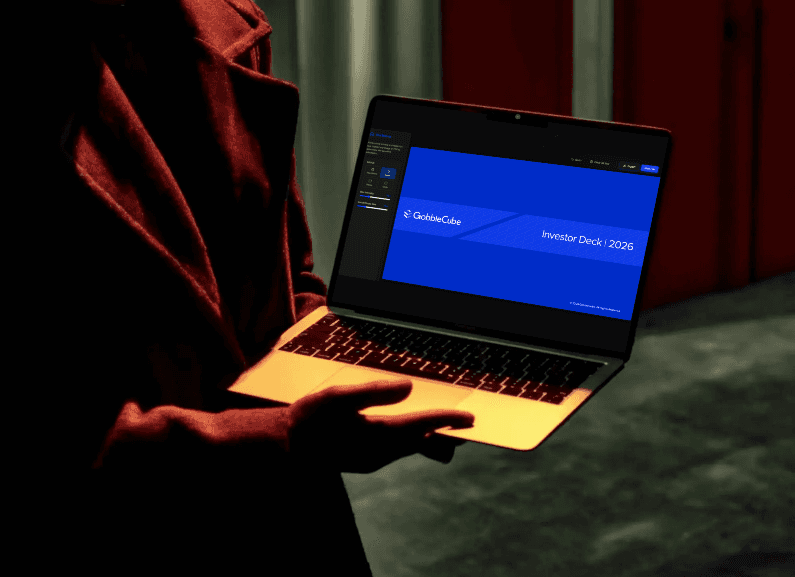
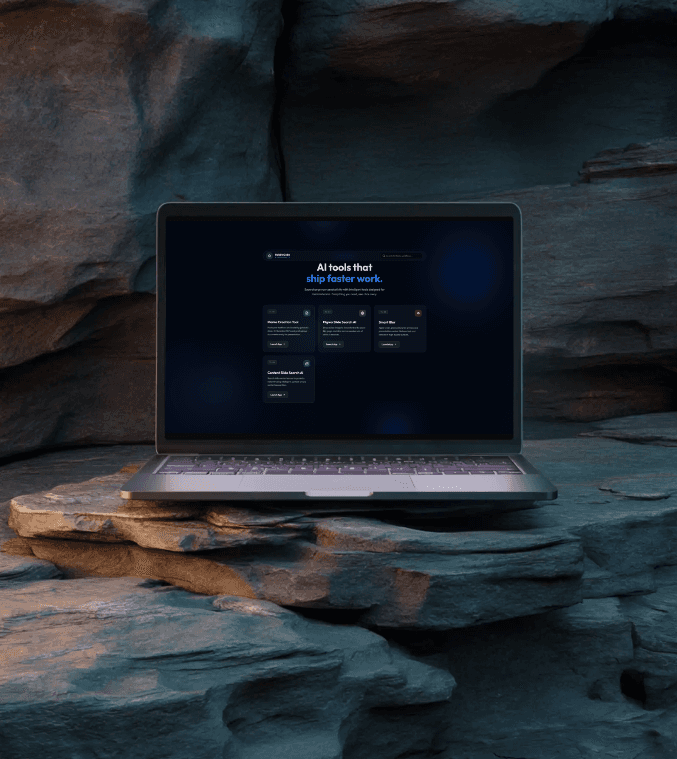
Instead of building isolated utilities, the objective was to create a connected AI ecosystem capable of supporting multiple internal workflows under a single scalable system. I designed a centralized repository where teams could: 1. Access all internal tools from one place 2. Discover workflows faster 3. Reduce operational dependency 4. Simplify navigation between systems The repository followed GobbleCube’s visual language while maintaining a modular structure that could support future AI tools and operational workflows. The system infrastructure was built using: • Antigravity for development • GitHub for deployment management • Supabase for file storage and indexing • Render for hosting • Figma Site for internal publishing • Security-layered access for GobbleCube team members only The result was a scalable internal workspace designed specifically around productivity and operational efficiency.
Instead of building isolated utilities, the objective was to create a connected AI ecosystem capable of supporting multiple internal workflows under a single scalable system. I designed a centralized repository where teams could: 1. Access all internal tools from one place 2. Discover workflows faster 3. Reduce operational dependency 4. Simplify navigation between systems The repository followed GobbleCube’s visual language while maintaining a modular structure that could support future AI tools and operational workflows. The system infrastructure was built using: • Antigravity for development • GitHub for deployment management • Supabase for file storage and indexing • Render for hosting • Figma Site for internal publishing • Security-layered access for GobbleCube team members only The result was a scalable internal workspace designed specifically around productivity and operational efficiency.
DESIGNING THE DECK SEARCH AI
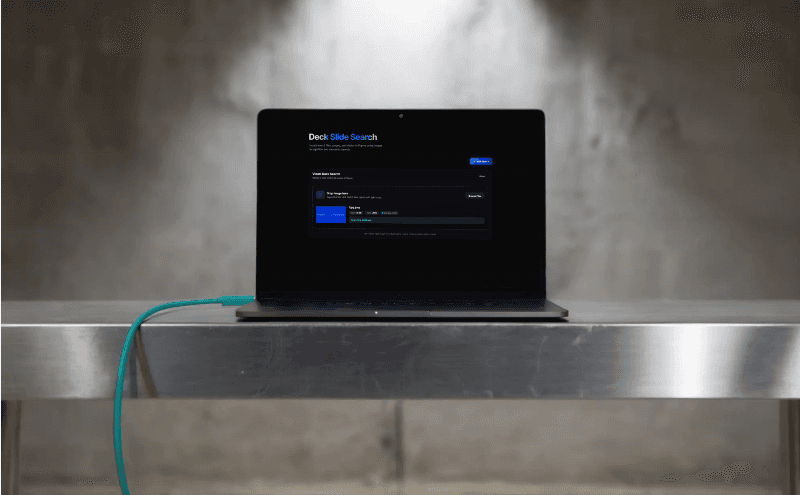
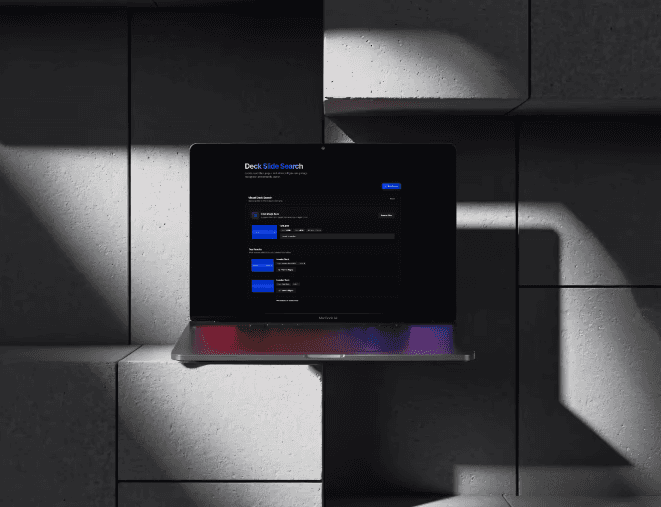
One of the biggest operational challenges involved locating existing slides across large presentation systems. Teams frequently reused: • Investor decks • Campaign presentations • Sales decks • Internal documentation But manually searching across thousands of slides slowed down workflows significantly. To solve this, I designed and developed the Deck Slide Search AI. The system allowed users to search slides using: • screenshots • images • PDFs • drag-and-drop uploads • file upload interactions Once processed, the system generated: 1. Figma file name 2. Slide number 3. Page name 4. Thumbnail preview 5. Direct redirect link to the exact Figma slide This transformed slide retrieval into a fast visual-search workflow instead of a manual navigation process. The tool improved: • Onboarding efficiency • Slide discoverability • Asset reuse • Workflow speed across teams
One of the biggest operational challenges involved locating existing slides across large presentation systems. Teams frequently reused: • Investor decks • Campaign presentations • Sales decks • Internal documentation But manually searching across thousands of slides slowed down workflows significantly. To solve this, I designed and developed the Deck Slide Search AI. The system allowed users to search slides using: • screenshots • images • PDFs • drag-and-drop uploads • file upload interactions Once processed, the system generated: 1. Figma file name 2. Slide number 3. Page name 4. Thumbnail preview 5. Direct redirect link to the exact Figma slide This transformed slide retrieval into a fast visual-search workflow instead of a manual navigation process. The tool improved: • Onboarding efficiency • Slide discoverability • Asset reuse • Workflow speed across teams
//
DESIGN PROCESS
//
1
Understanding the Problem
I define the core problem by identifying user pain points, context, and gaps in existing solutions.
2
Exploration & Solutioning
I explore multiple approaches and refine the most effective solution based on usability, feasibility, and impact.
3
Design & Iteration
I translate ideas into polished designs and continuously refine them through feedback to ensure clarity and usability.
DESIGN PROCESS
//
1
Understanding the Problem
I define the core problem by identifying user pain points, context, and gaps in existing solutions.
2
Exploration & Solutioning
I explore multiple approaches and refine the most effective solution based on usability, feasibility, and impact.
3
Design & Iteration
I translate ideas into polished designs and continuously refine them through feedback to ensure clarity and usability.
//
DESIGN PROCESS
//
1
Understanding the Problem
I define the core problem by identifying user pain points, context, and gaps in existing solutions.
2
Exploration & Solutioning
I explore multiple approaches and refine the most effective solution based on usability, feasibility, and impact.
3
Design & Iteration
I translate ideas into polished designs and continuously refine them through feedback to ensure clarity and usability.
BUILDING THE CONTENT SEARCH AI
The same workflow inefficiencies also affected marketing teams. Locating previously used: • Headlines • Campaign copy • Messaging systems • Content references required manually navigating through large presentation libraries. To streamline this process, I developed the Content Slide Search AI. Unlike the visual search system, this tool focused on semantic text retrieval. Users could search: • Keywords • Phrases • Complete paragraphs The system generated: 1. Matching slide previews 2. Slide numbers 3. Page names 4. File names 5. Direct Figma links This allowed marketing teams to quickly retrieve reusable content without depending on designers or manually searching through multiple presentation systems.
The same workflow inefficiencies also affected marketing teams. Locating previously used: • Headlines • Campaign copy • Messaging systems • Content references required manually navigating through large presentation libraries. To streamline this process, I developed the Content Slide Search AI. Unlike the visual search system, this tool focused on semantic text retrieval. Users could search: • Keywords • Phrases • Complete paragraphs The system generated: 1. Matching slide previews 2. Slide numbers 3. Page names 4. File names 5. Direct Figma links This allowed marketing teams to quickly retrieve reusable content without depending on designers or manually searching through multiple presentation systems.
Designing the Smart Blur AI Tool
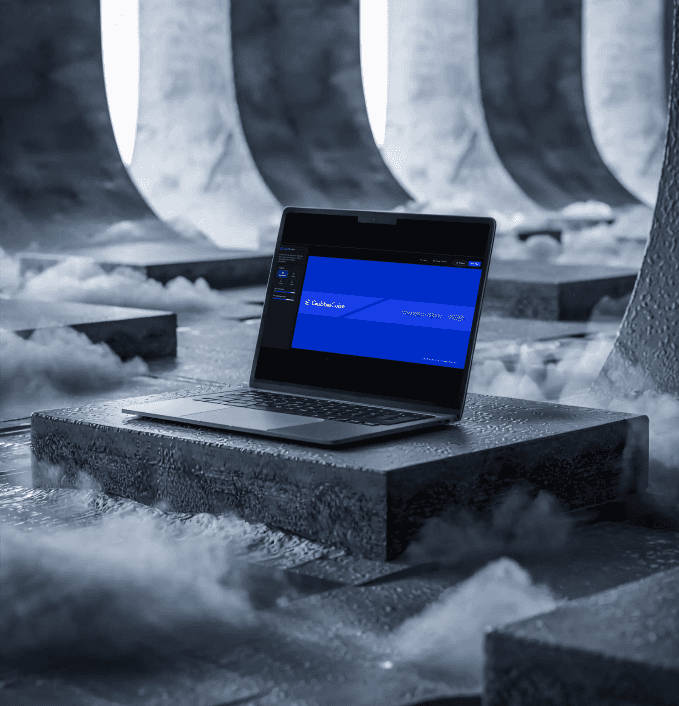
Marketing teams frequently required fast edits involving: • Sensitive information • Brand names • Client references • Textual elements These repetitive requests often interrupted ongoing design workflows. To reduce dependency on designers for simple production edits, I designed and developed the Smart Blur AI Tool. The system introduced: 1. Pencil-based blur selection 2. Adjustable blur intensity 3. Precise region targeting 4. Multiple blur controls 5. High-resolution export support Users could manually select exact regions they wanted blurred while maintaining control over the final output quality. The tool streamlined repetitive editing workflows while enabling non-design teams to independently handle simple content modifications.
Marketing teams frequently required fast edits involving: • Sensitive information • Brand names • Client references • Textual elements These repetitive requests often interrupted ongoing design workflows. To reduce dependency on designers for simple production edits, I designed and developed the Smart Blur AI Tool. The system introduced: 1. Pencil-based blur selection 2. Adjustable blur intensity 3. Precise region targeting 4. Multiple blur controls 5. High-resolution export support Users could manually select exact regions they wanted blurred while maintaining control over the final output quality. The tool streamlined repetitive editing workflows while enabling non-design teams to independently handle simple content modifications.

Designing for Scalability
A major focus of the project was ensuring the systems remained scalable, maintainable, and easy to update as internal workflows evolved. The infrastructure was automated in a way that future changes could be deployed rapidly with minimal manual effort. The workflow pipeline included: 1. Prompt-driven updates 2. Automated Git pushes 3. Render deployment synchronization 4. Automatic Figma Site publishing This transformed the tools from isolated utilities into scalable operational systems built for long-term internal use. The automation pipeline significantly reduced maintenance overhead while improving deployment speed and consistency across the ecosystem.
A major focus of the project was ensuring the systems remained scalable, maintainable, and easy to update as internal workflows evolved. The infrastructure was automated in a way that future changes could be deployed rapidly with minimal manual effort. The workflow pipeline included: 1. Prompt-driven updates 2. Automated Git pushes 3. Render deployment synchronization 4. Automatic Figma Site publishing This transformed the tools from isolated utilities into scalable operational systems built for long-term internal use. The automation pipeline significantly reduced maintenance overhead while improving deployment speed and consistency across the ecosystem.
Outcome
The AI systems significantly improved how internal teams interacted with presentation and content workflows. The tools helped: 1. Reduce search time across large slide libraries 2. Improve discoverability of reusable assets 3. Simplify onboarding for new team members 4. Reduce repetitive production requests 5. Improve collaboration between teams 6. Increase operational efficiency 7. Streamline internal workflows Today, the systems are actively used across GobbleCube’s internal operations as part of the company’s day-to-day workflow infrastructure. The project evolved beyond standalone tools into a scalable AI-powered operational ecosystem focused on accessibility, automation, and workflow efficiency.
The AI systems significantly improved how internal teams interacted with presentation and content workflows. The tools helped: 1. Reduce search time across large slide libraries 2. Improve discoverability of reusable assets 3. Simplify onboarding for new team members 4. Reduce repetitive production requests 5. Improve collaboration between teams 6. Increase operational efficiency 7. Streamline internal workflows Today, the systems are actively used across GobbleCube’s internal operations as part of the company’s day-to-day workflow infrastructure. The project evolved beyond standalone tools into a scalable AI-powered operational ecosystem focused on accessibility, automation, and workflow efficiency.